Palkas Universe · Platin & Bühne / Platinum & Stage
14 Sekunden / seconds · Bearbeitbare Vorlage / editable template. Sounds separat laden / download sounds separately.
Studio ≥ 0.7.2
platinum-stage.palkasvideo.json · 0.06 MiB ↓ Palkas UniverseVideo Studio
Motion Design · Beta 0.7.2
A complete example to explore: light travels through platinum lettering, four soft stage lights come on, and a second line appears with digital flicker. Gold-white trails rise and approach before fading into darkness.
Original export by Palkas Universe: 3840 × 2160, 60 FPS, AV1, 10 bits, PQ / BT.2020. HDR playback depends on the browser, device and display. Guide illustrations come from the SDR editing preview. If your browser cannot play the video, download it for a compatible HDR player.
Requires Video Studio 0.7.2. In Studio: Templates → Refresh library → ↓ → Open as new project. Extras contains the separate text and light presets. Downloads start only when you choose them; installed files remain available locally. For files downloaded here, use Open project for the project file or History → Import for a preset pack. Each entry declares its minimum Studio version; older versions show “Update required”. Content using existing features can be added without an application update.
14 Sekunden / seconds · Bearbeitbare Vorlage / editable template. Sounds separat laden / download sounds separately.
Studio ≥ 0.7.2
platinum-stage.palkasvideo.json · 0.06 MiB ↓Platin-Schrift / Platinum title · Einstellbar / editable
Studio ≥ 0.7.2
platinum-title.palkaspresets.json · 0.00 MiB ↓Glitch-Schrift / Glitch title · Einstellbar / editable
Studio ≥ 0.7.2
glitch-title.palkaspresets.json · 0.00 MiB ↓Weiche Bühnenlichter / Soft stage lights · Einstellbar / editable
Studio ≥ 0.7.2
soft-stage-lights.palkaspresets.json · 0.01 MiB ↓Gold & Weiß · Lichtschweife / Light trails · Einstellbar / editable
Studio ≥ 0.7.2
gold-white-trails.palkaspresets.json · 0.01 MiB ↓Kurzer Glitch und sanfte Bewegung / Short glitch and gentle motion
Studio ≥ 0.7.2
intro-accents.palkaspresets.json · 0.00 MiB ↓Community
The collection will keep growing. Which effects, animations or intro styles would you like to try in Video Studio? Tell us what works well in this template and what is still missing. Your feedback helps shape future templates and features.
Missing an explanation or spotted a problem? Feedback, bug reports and ideas are welcome.
Read without signing in. Posting requires a GitHub account; posts and attachments are public. Please share made-up examples only, with no private content.
The template opens with the complete arrangement and five initially missing sound files. Right-click an audio cue → Download sound, or choose Download all missing template sounds. The three glitch cues use different trims of the same file. One download restores every matching cue without changing timing, fades or volume. You can also relink identical originals. Save your edited project under your own name.
Mystic Reveal · Palkas Universe
mystic-reveal.wav · 1.03 MiB ↓Short Glitch · Palkas Universe
short-glitch.wav · 1.31 MiB ↓Stage Lights · Palkas Universe
stage-lights.wav · 0.59 MiB ↓Light Swoosh · Palkas Universe
light-swoosh.wav · 0.97 MiB ↓Soft Fade · Palkas Universe
soft-fade.wav · 0.55 MiB ↓01
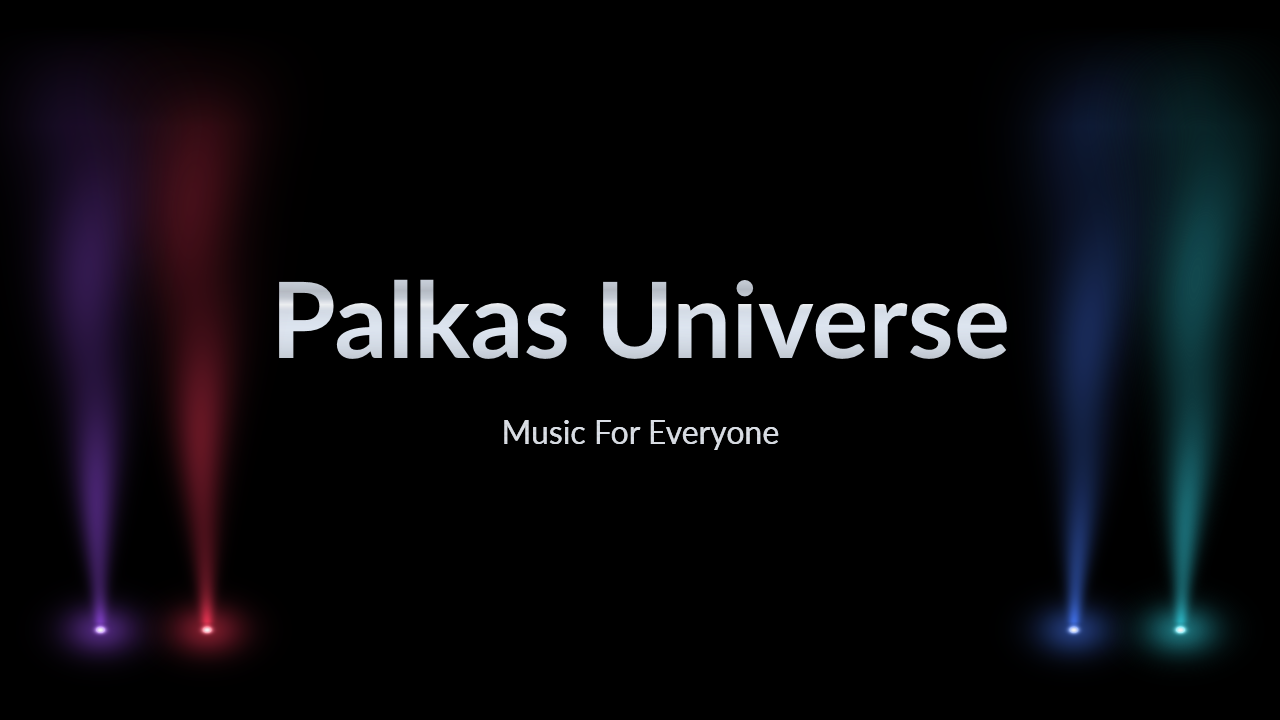
Start with the template. Open it as a new project and edit the main title and “Music For Everyone” through their text cues. Font size, placement and fill remain editable. The background is black; separate text and graphic tracks create the colour. Use bold lettering for your own title and adjust size and placement for longer names.
02
Select the text cue → Text, font, colour and position → Design text fill → Custom shader / presets. The small shader below explains the principle. Check & preview compiles your changes before you apply them. The downloadable platinum preset adds metallic shading and a later white reflection.
float4 StudioText(float2 uv, float4 color,
                  float time, float duration) {
    float head = saturate(time / 5.2) * 1.3 - 0.15;
    float beam = pow(saturate(1 - abs(uv.x - head) / 0.13), 2);
    float reveal = smoothstep(5.35, 6.35, time);
    return float4(color.rgb, color.a * max(beam, reveal));
}
03
uv.x runs from 0 on the left to 1 on the right within the text area; uv.y runs top to bottom. time counts seconds within the cue including its source trim; duration is the cue length. color is the selected text colour, with opacity as its fourth value. head moves the light centre rightward over 5.2 seconds. abs measures distance from that centre; 0.13 sets beam width and pow softens the edge. smoothstep reveals the whole title between 5.35 and 6.35 seconds. max keeps it visible afterwards. The text mask confines the result to the letters. This is a spatial light sweep, not word or character timing. For individually timed letters use the corresponding text fill or karaoke timings.
04
In Extras, download Soft stage lights and choose Show presets. Click an entry or drag it to a graphics track. The template uses four independent graphic cues starting slightly apart from 5.35 seconds. Change placement and colour independently. Their text-fill shader combines a soft gradient, a small bright core and a broad halo. exp2 fades intensity towards the edge; a slow sin variation moves the haze. This is a designed 2D lighting illusion: it does not automatically illuminate objects or calculate spatial shadows.
05
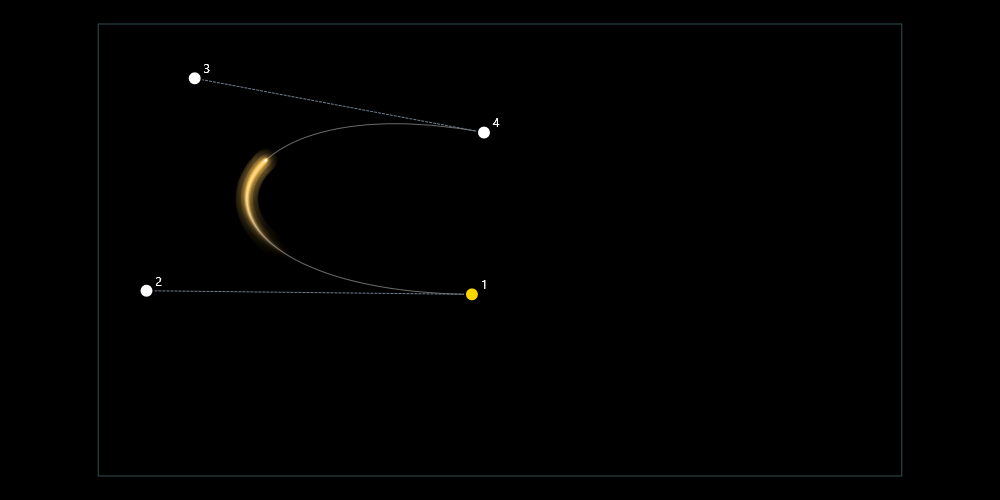
Select a light-trail graphic cue and open Design light trail. Point 1 is the start and point 4 the end. Points 2 and 3 are curve handles: they set the departure and arrival directions and need not lie on the visible path. Drag them to form an arch above the title. Dashed lines are guides only. For precision select a point and enter Position X / Y (%) or use arrow keys. 0% is left/top and 100% right/bottom within the graphic area. Cue properties independently position that entire graphic in the video.
06
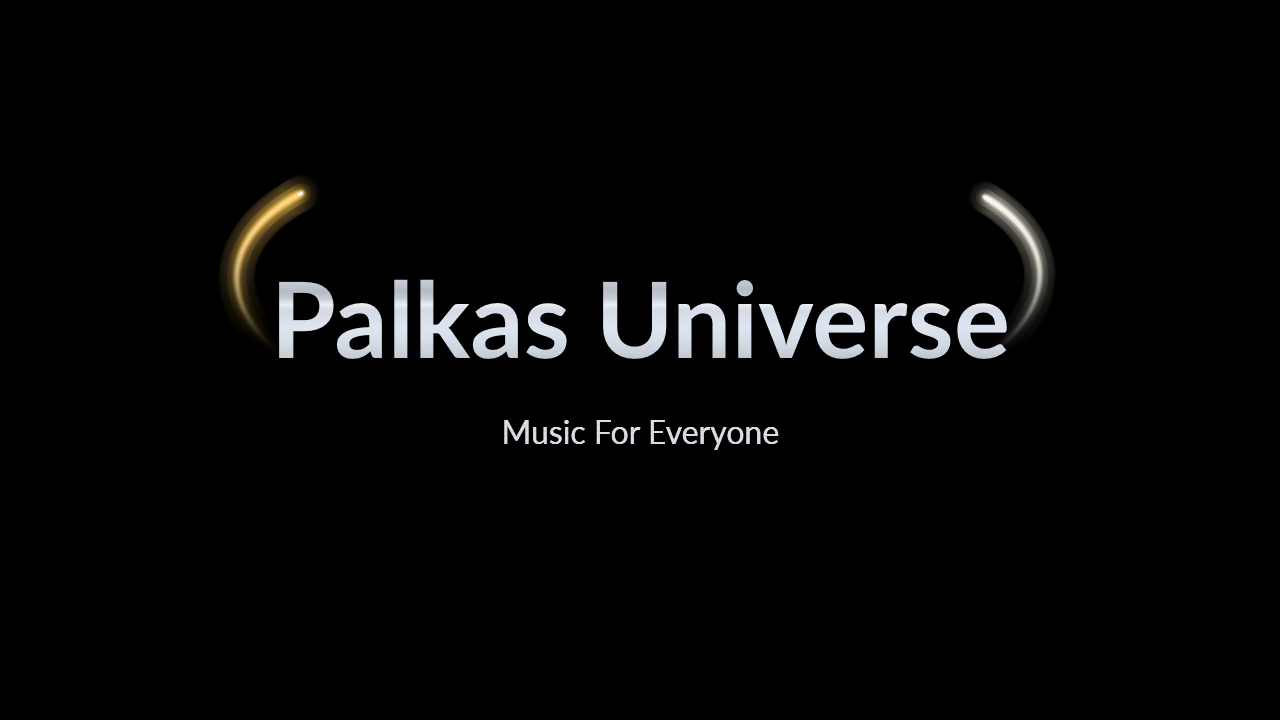
Duration including tail fade sets the path timing. Tail controls how much of the path stays visible; Glow radius controls the halo. End size above 1 makes the light appear to approach. Use a second graphic for the other arch and mirror its curve points. In the template both arches start at 9.2 seconds, followed by approaching trails at 11.35. The image begins fading to black at 12.7 and ends exactly at 14 seconds. Ending a cue too soon cuts its animation short, so check both cue length and animation duration.
07
The subtitle begins at 6.6 seconds. Its shader fill gives it a digital reveal, with extra short FX cues at 6.6, 8.9 and 10.6 seconds. For additional motion select a text, graphic or video track and place an animation on its FX lane. Edit position, scale, rotation and opacity at keyframes in the animation editor. Speed, repeat and easing control playback. Move audio separately and use the playhead magnet for alignment. Start quietly and align short sound accents with visible events.
08
Text and graphics can have an HDR white brightness. For this example choose HDR/PQ for the project colour mode and export. Ten-bit depth alone does not mean HDR: output needs the matching colour space and PQ signalling. The editing preview and these illustrations remain SDR. Evaluate HDR in a compatible player on a suitable HDR display. For SDR, make a separate SDR export with tone mapping. HDR remains beta. Export reports its actual GPU/CPU route; successful completion matters, rather than an intermediate section retry.